
Child Assessment & Portfolio
Theme-based ratings, notes and bilingual term reports.
Read the guide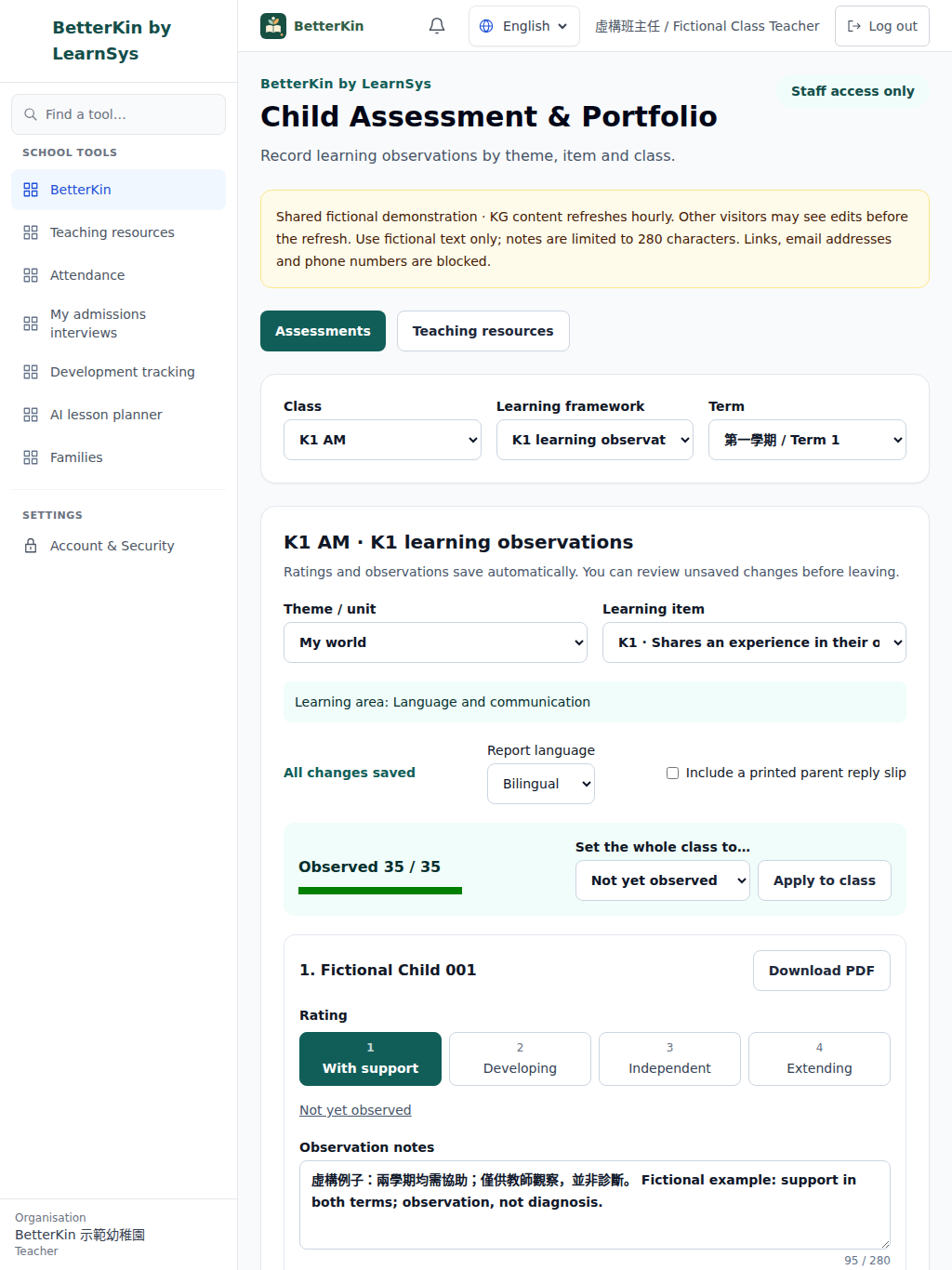
BetterKin · LearnSys Kindergarten
Built for Hong Kong kindergarten teams: record theme-based observations and ratings, share teaching resources, and export Chinese, English or bilingual term reports. Staff-only, with each school's data kept on its own deployment.
Try it now with fictional K1–K3 classes — no sign-up.
School deployment is planned separately; agree functions, training and acceptance before using real child data.
BetterKin · LearnSys Kindergarten
For principals, curriculum coordinators, class teachers and administrative teams moving between paper forms, spreadsheets and report-season deadlines. Bring the agreed assessment workflow into one staff workspace, with teaching resources close at hand.
Theme-based ratings, notes and bilingual term reports.
Read the guideLevel-specific example resources with tags and search.
Read the guide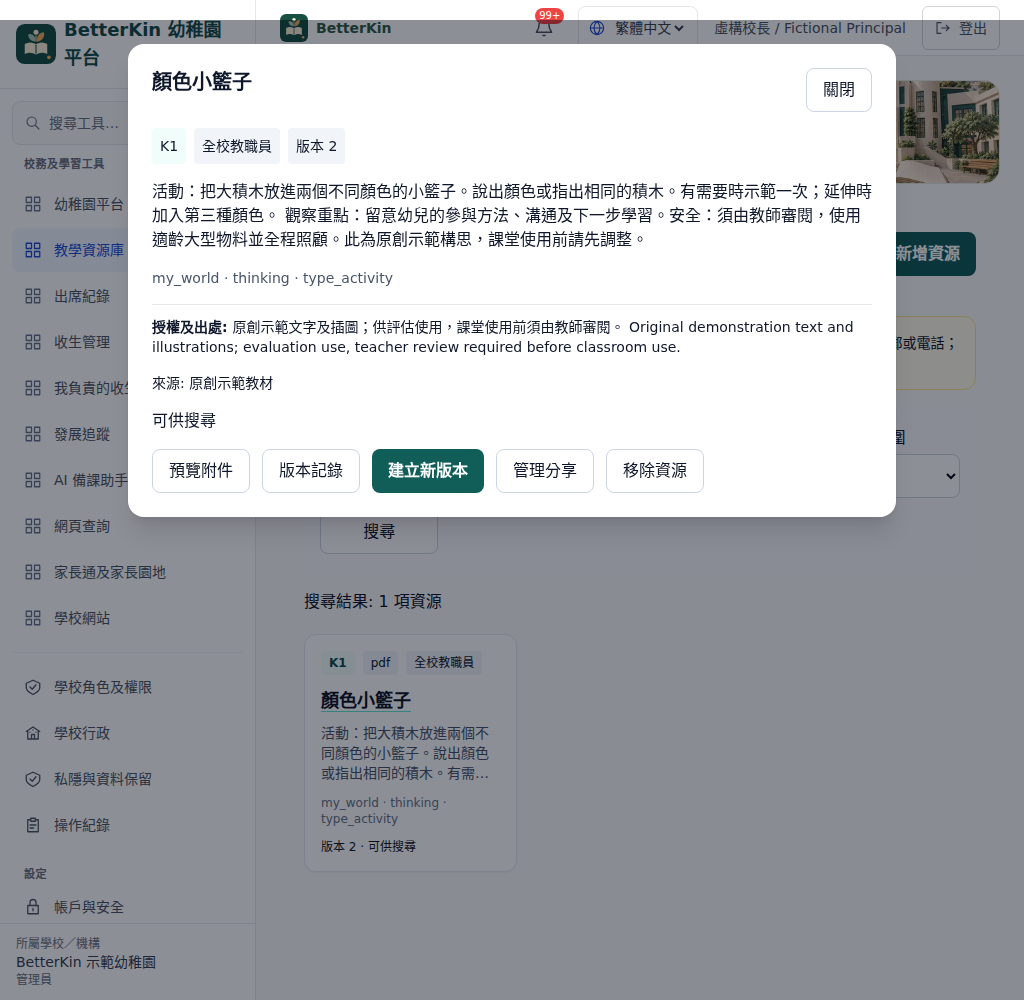
Reviewed lesson-plan drafts grounded in school resources.
Read the guide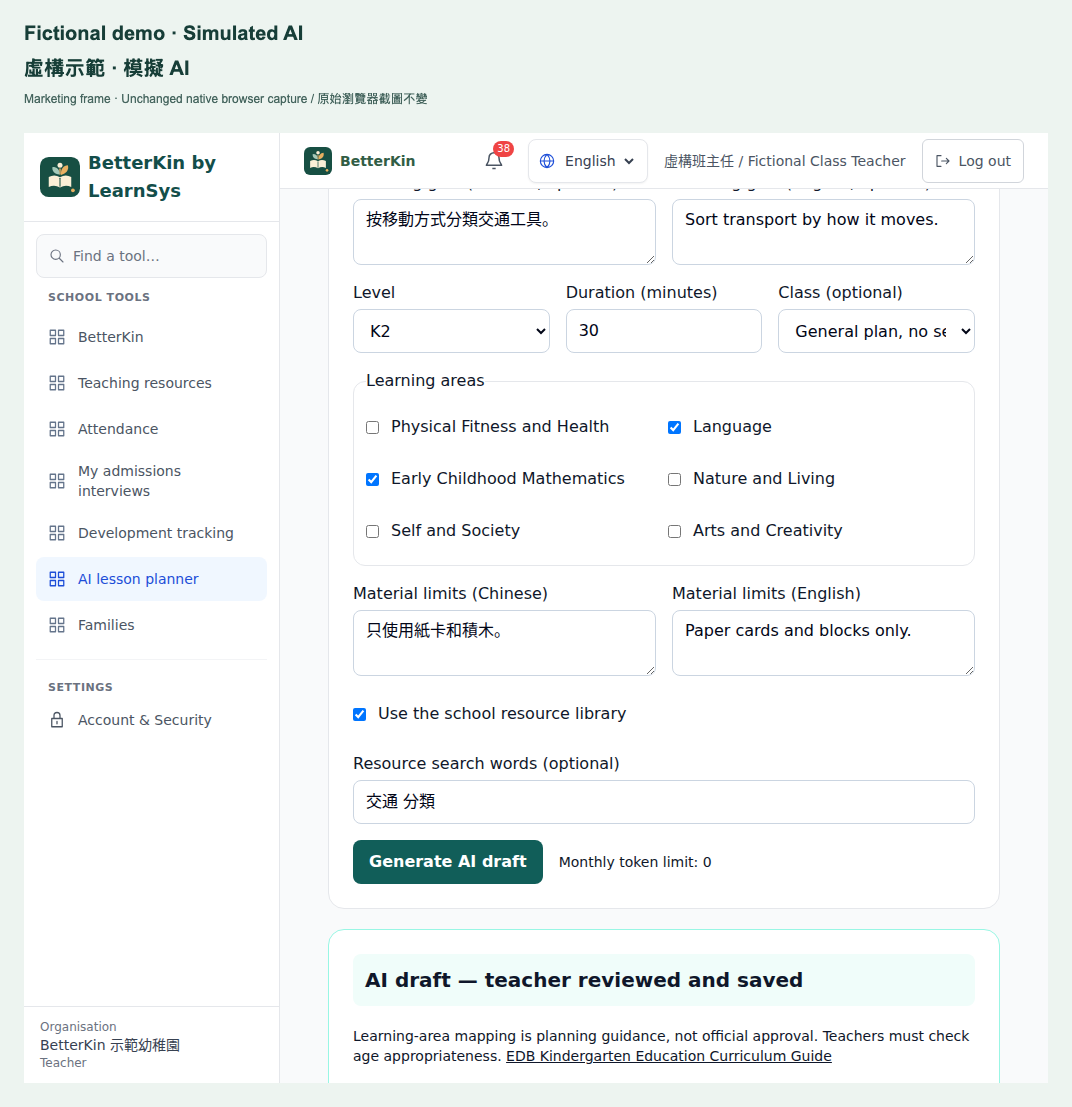
Development views and non-diagnostic follow-up workflows.
Read the guide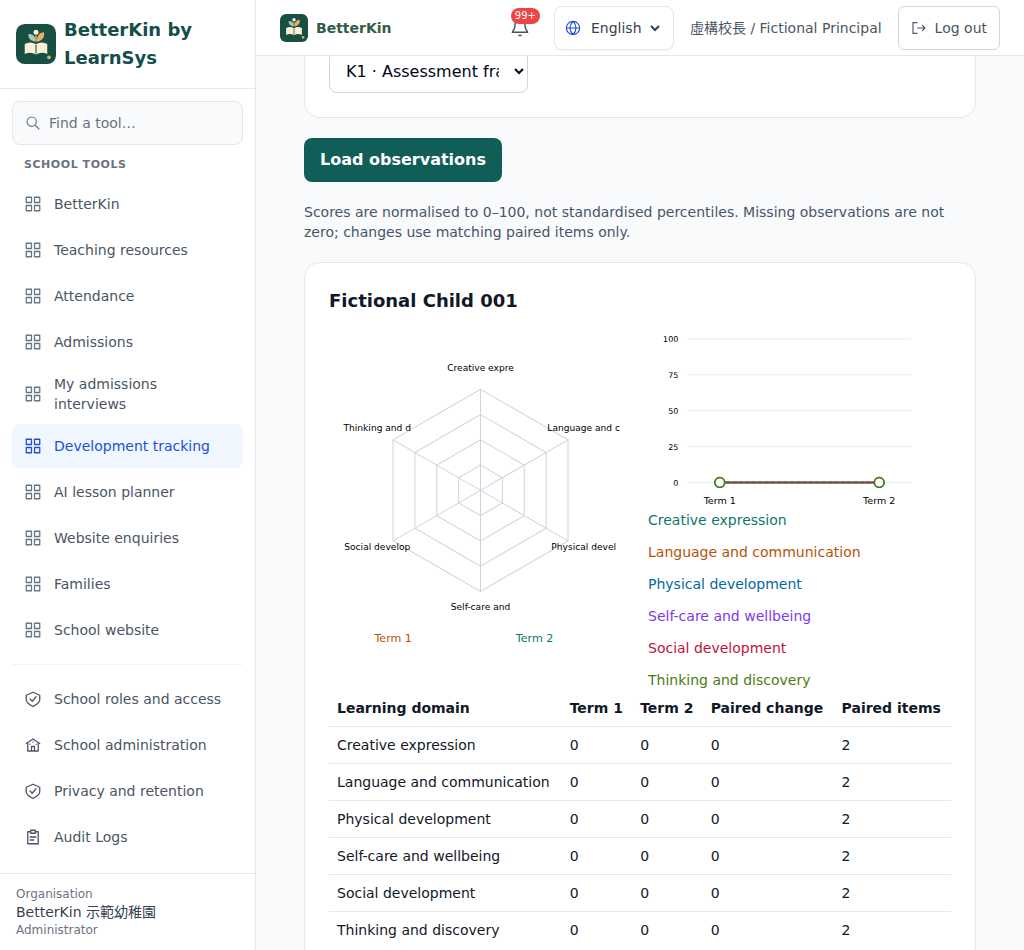
Applications, interviews, offers and registration.
Read the guide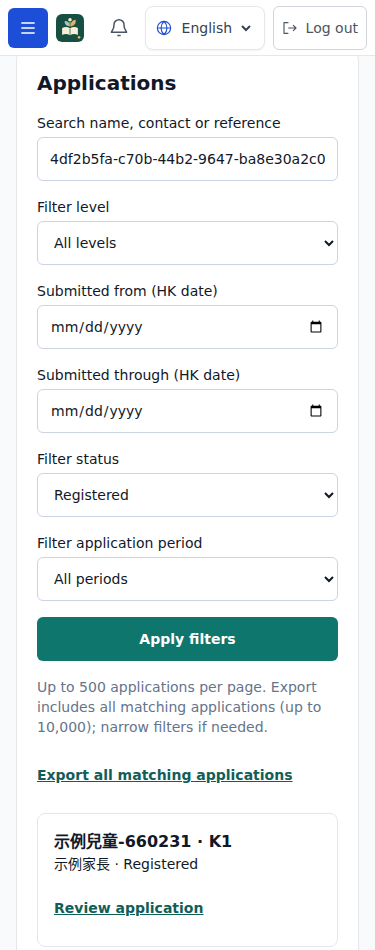
Session roll-call and monthly PDF/Excel sheets.
Read the guide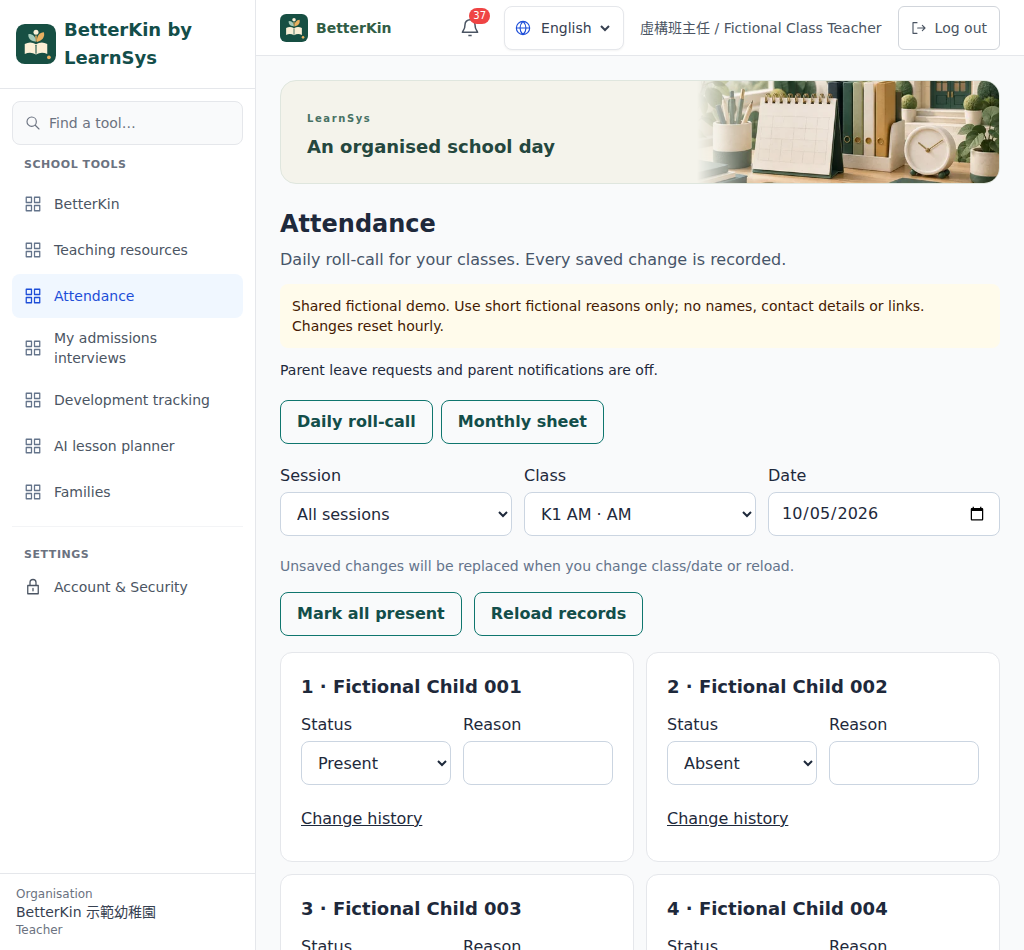
School-published reports, notices and leave requests.
Read the guide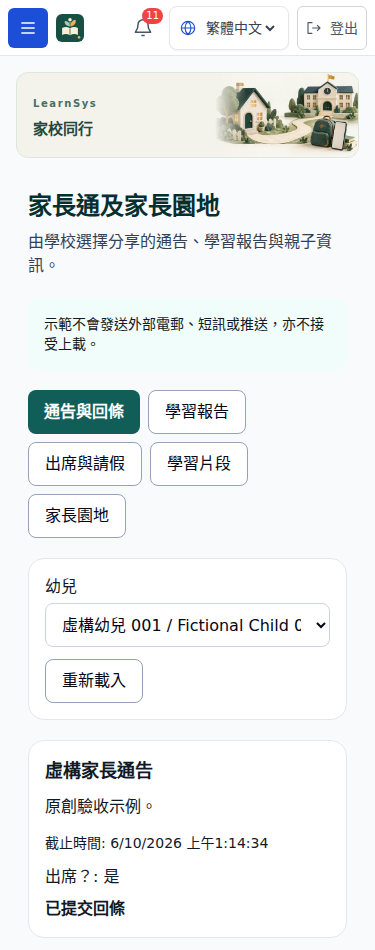
Grounded bilingual FAQ answers with handoff and limits.
Read the guide
School posts, official resource links and calendar.
Read the guide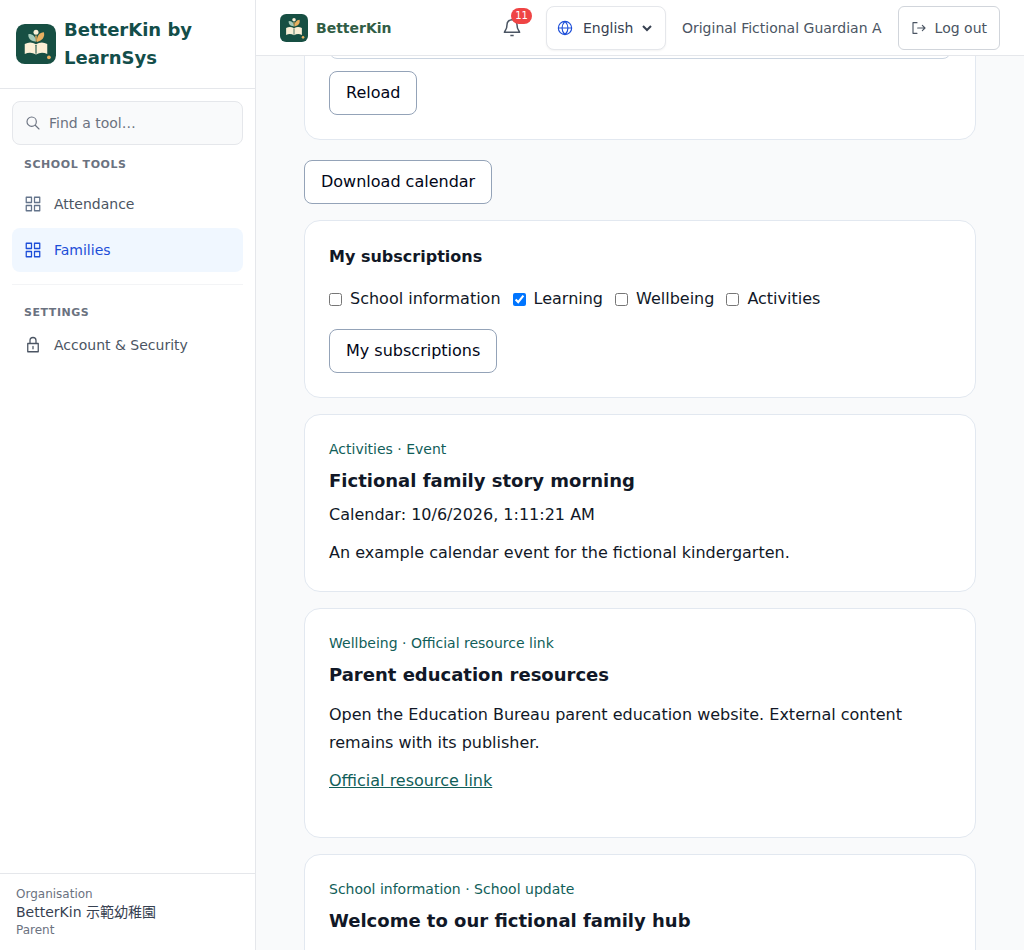
Bilingual templates with admissions and enquiry tools.
Read the guide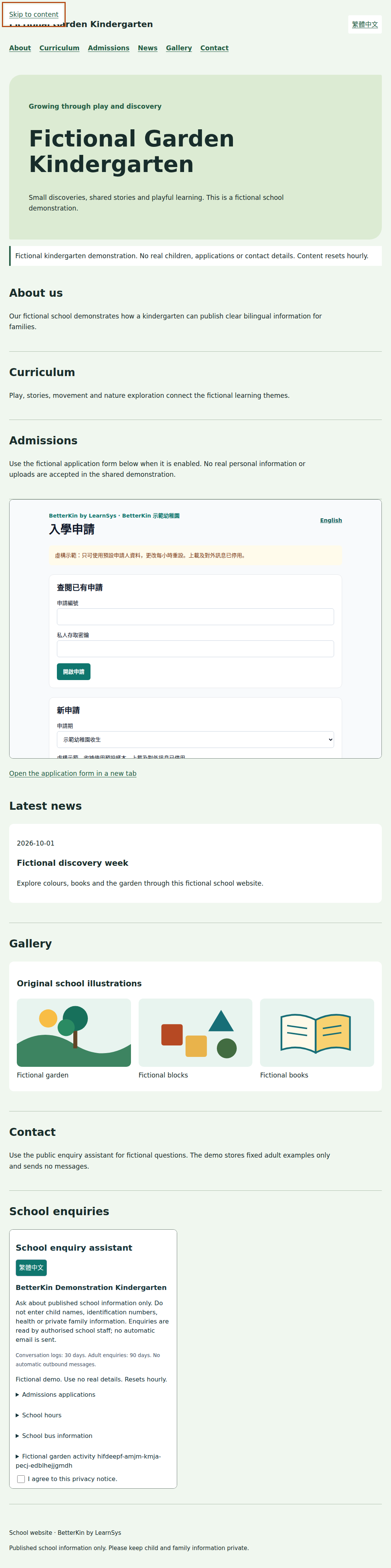
Private illustrated evidence and child timelines.
Read the guide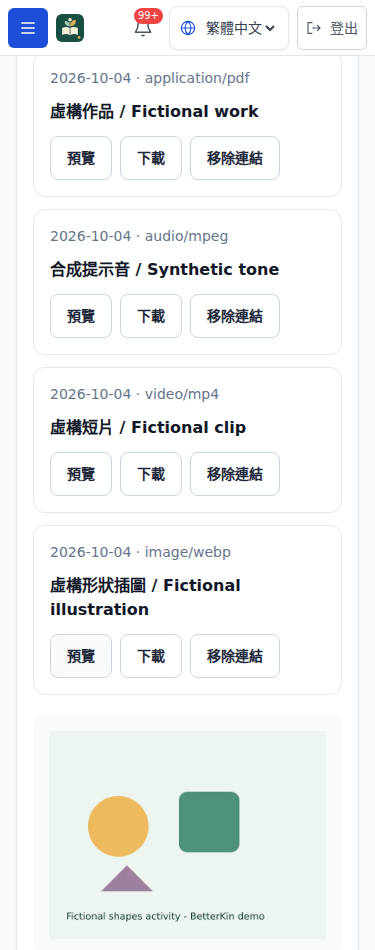
Term and annual PDF batches with progress tracking.
Read the guide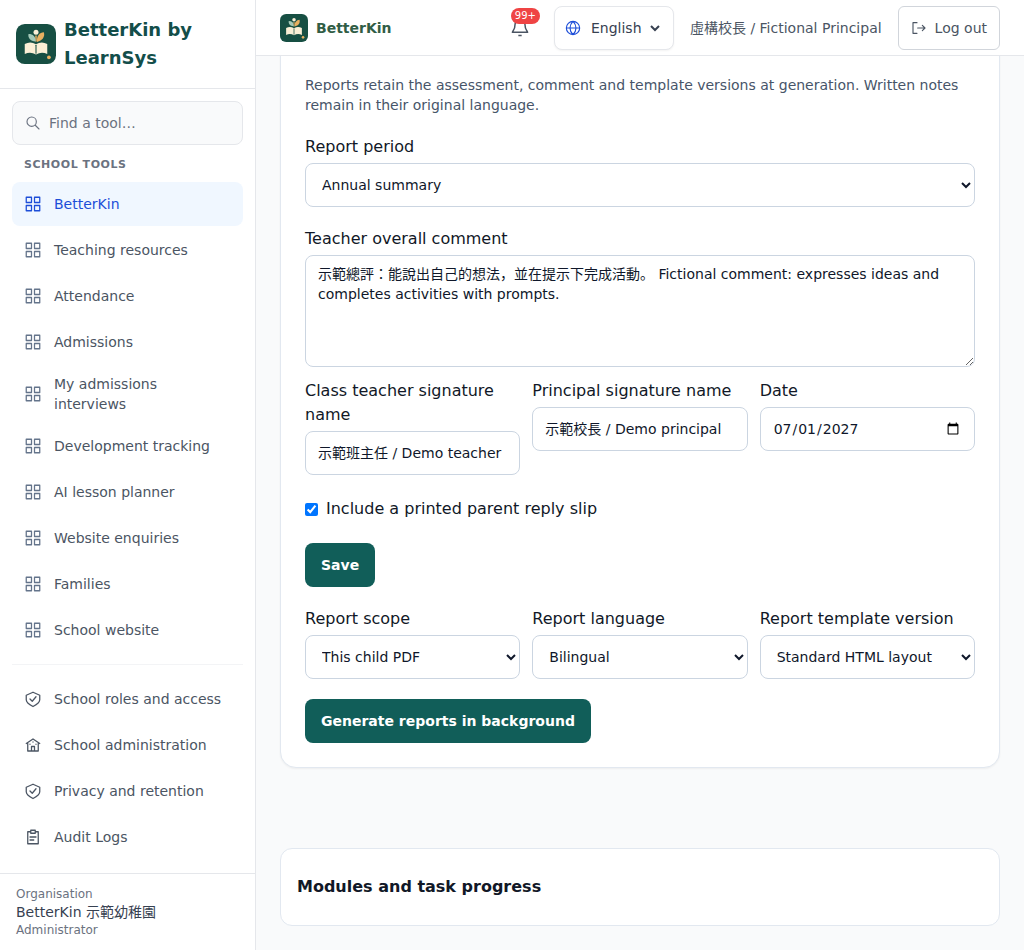
Versioned Word templates with validated placeholders.
Read the guide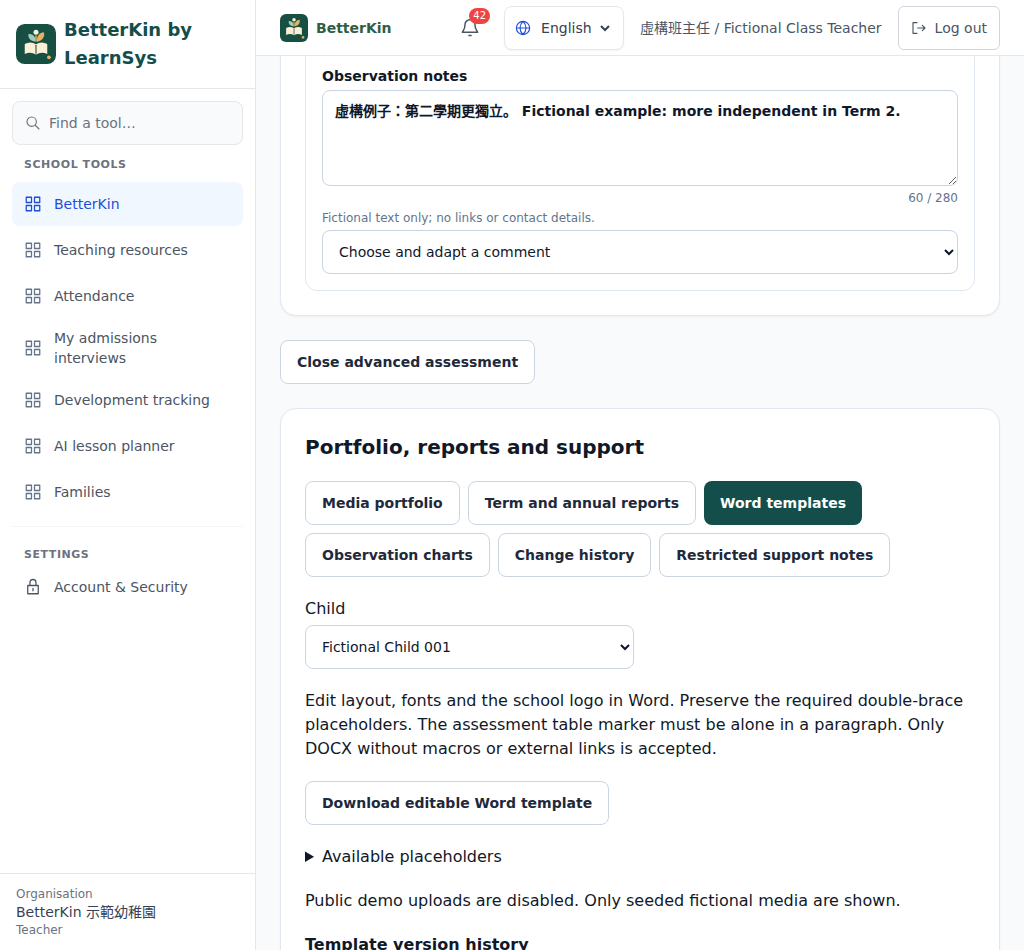
Private resources, versions, team sharing and linked items.
Read the guide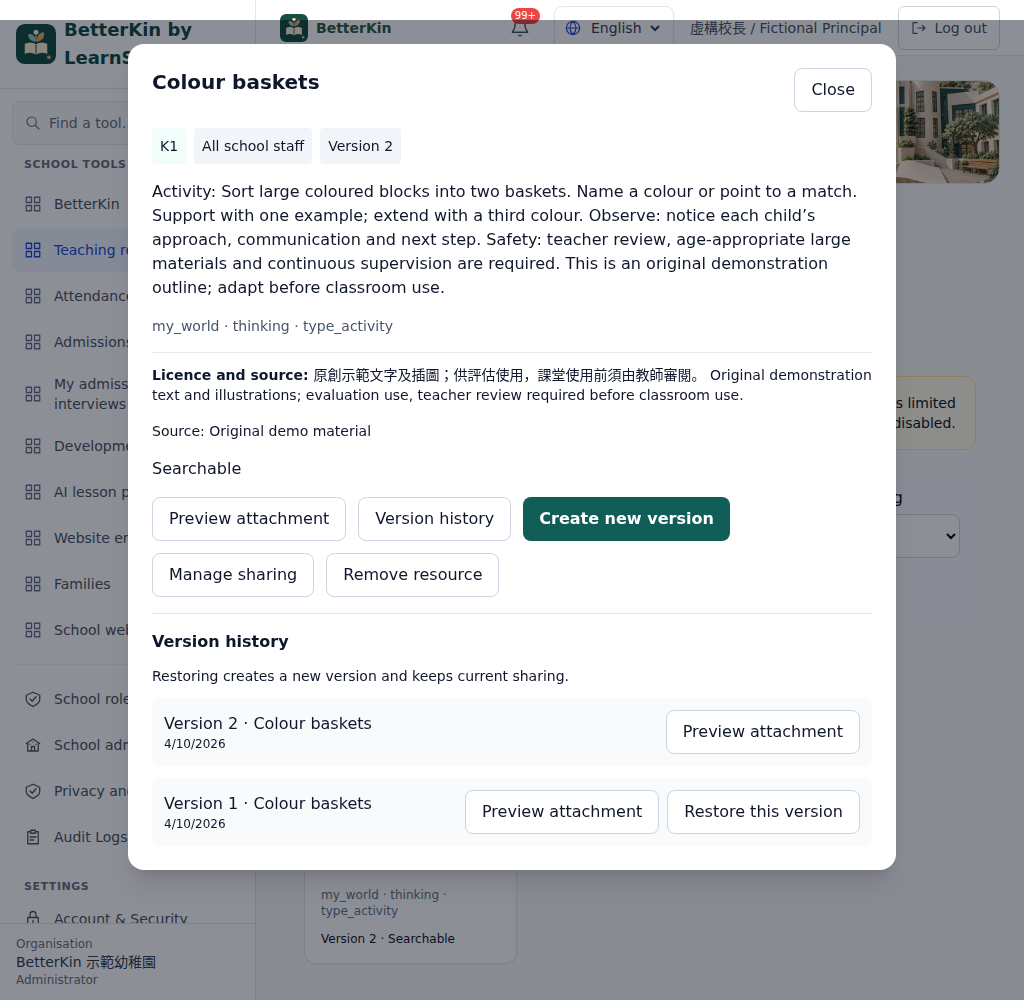
Choose a class, theme and learning item. Add a rating and a short written observation while it is fresh.
Review recorded ratings and notes in the class grid, then look at an individual child’s term record.
Download an individual term PDF in Chinese, English or both. Written notes stay in the language entered.
Actual demonstration screens with fictional records only.
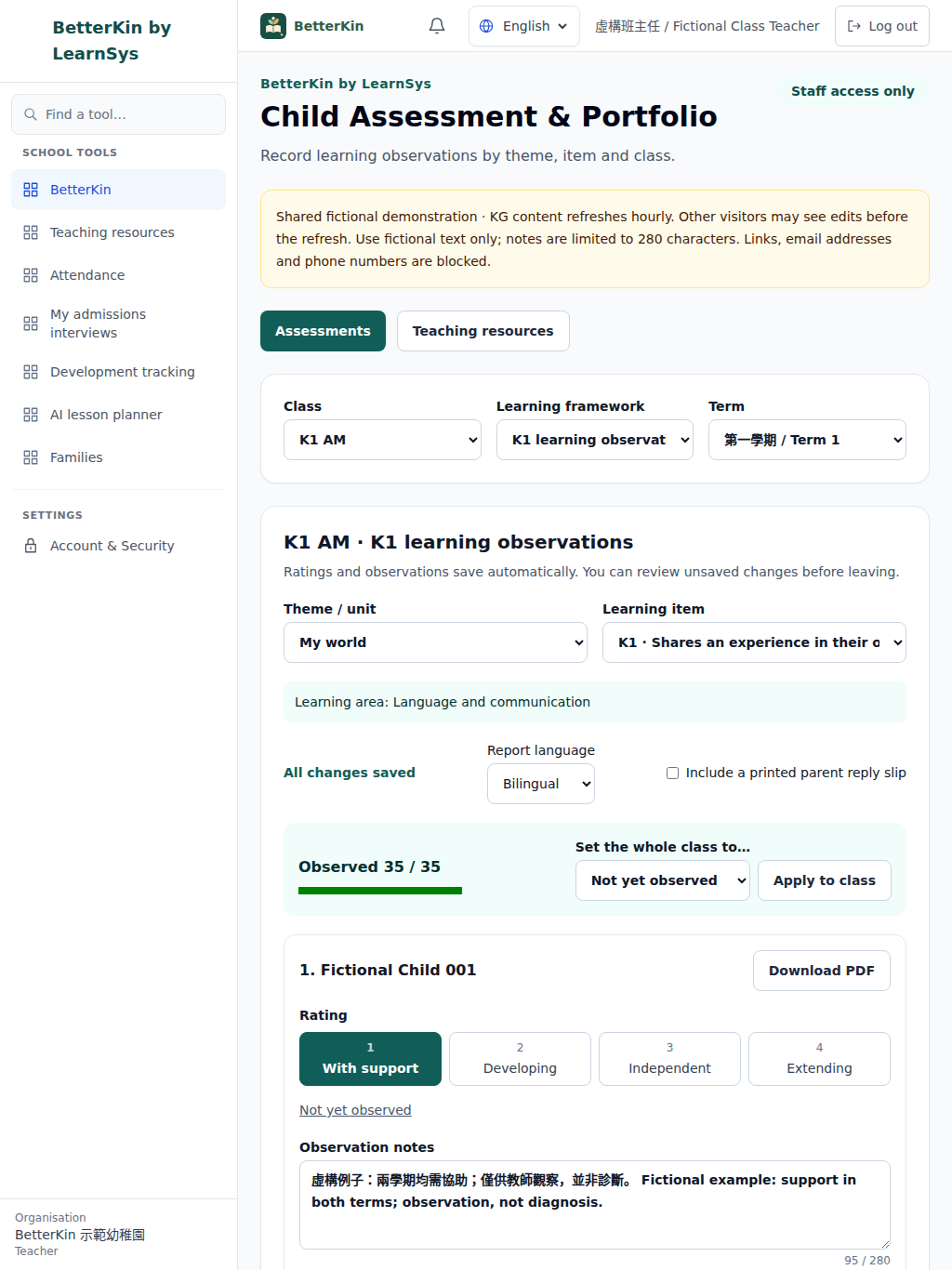
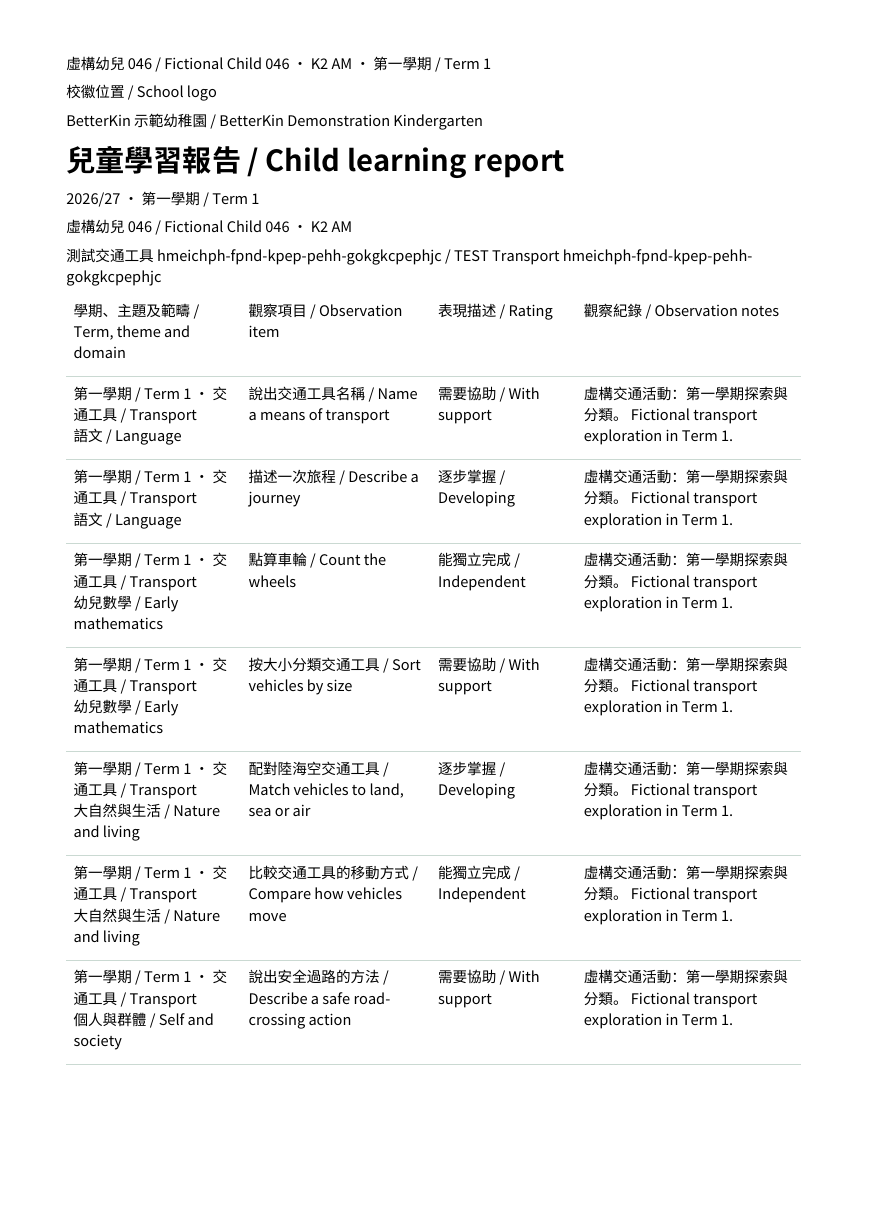
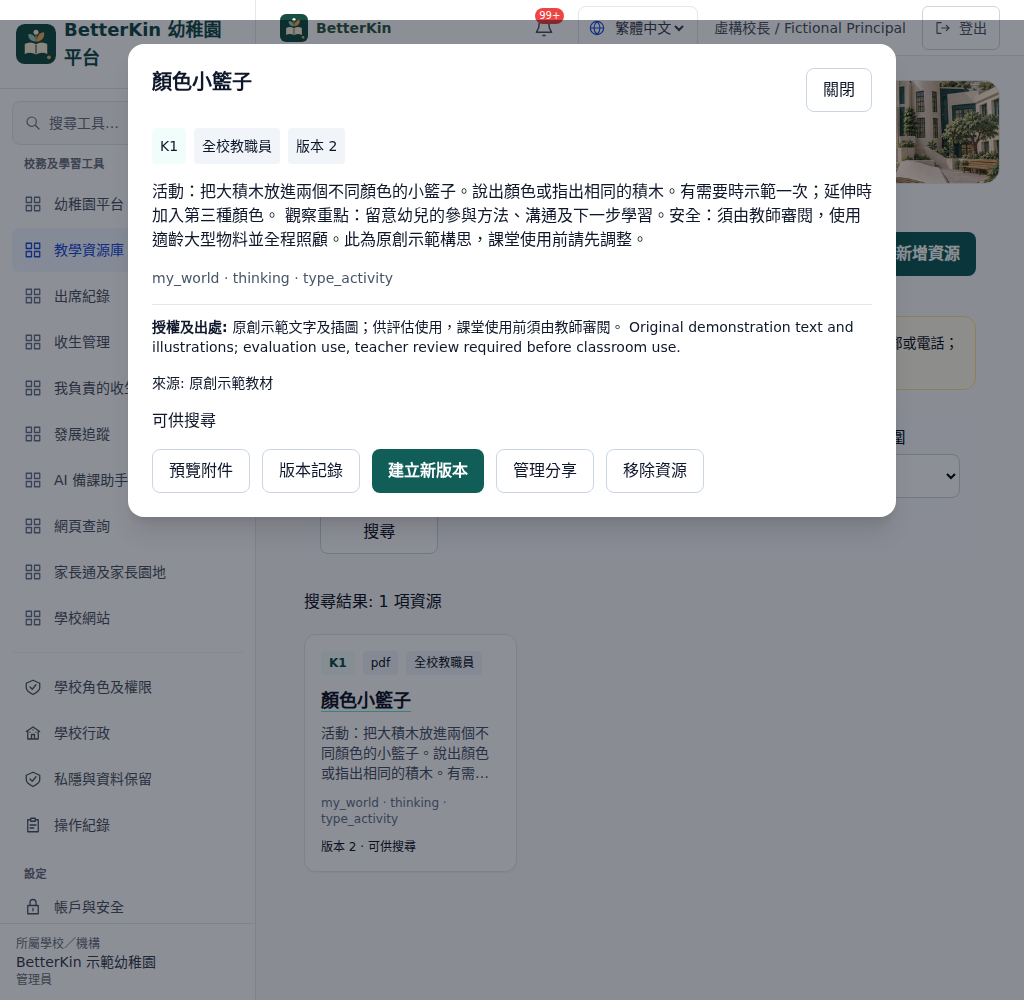
Staff-only access and assigned-class permissions are demonstrated today. BetterKin does not request HKID numbers. Do not place SEN, medical or other sensitive details in ordinary observation notes.
The intended school model is a dedicated Hong Kong VM, database and private file store per school. School records belong to the school; the school controls their use and authorised access. Actual hosting, backup and retention terms are agreed before rollout.
Read BetterKin’s privacy notice · Data retention arrangements
Start with a conversation about your current forms and report format. Agree the required functions, permissions and data arrangements, then plan a staff walkthrough, practice with fictional records and school acceptance. Training scope and rollout dates are confirmed in the school agreement.
Discuss your kindergarten’s needsParent access is off by default. A school manager must accept the privacy arrangements, enable both family modules and turn off staff-only mode. Parents then see only their currently linked children and explicitly published content. Where a demo parent preview is offered, it uses fictional accounts only. Children do not need login accounts.
No. Public demo uploads are disabled, including child media, teaching files, Word templates and website imports. Use the original seeded examples and fictional text only. Uploads on an agreed school deployment require the relevant permissions, file checks and storage quota.
External AI and outbound messages stay off in the public demo. Available AI previews use a labelled local simulation; they do not demonstrate a real provider’s teaching quality. Real school AI needs approved provider terms and a budget, and every draft needs teacher review. Parent notifications shown in the demo remain inside the platform.
Tell us which assessment and resource workflows you need. We will agree a school scope and acceptance criteria before any rollout; the public demo does not commit your school to other modules.
Quoted by school size and agreed scope. We discuss class and child numbers, required modules, setup and training before providing a school quotation.
The public demo uses fictional K1–K3 classes and requires no sign-up. Use made-up notes only. A school-specific trial needs a separate scope and data-handling agreement.
The intended school deployment is one dedicated VM in Hong Kong per school, with its own database and private file storage. Hosting, access, backup and retention arrangements must be confirmed before real child data is used. The public demo is separate.
Staff quick start · Preparation changelog
The public demo accepts fictional data only. Uploads, external AI and outbound messages are disabled. Never enter real child information.